Save the home. Keep the story.
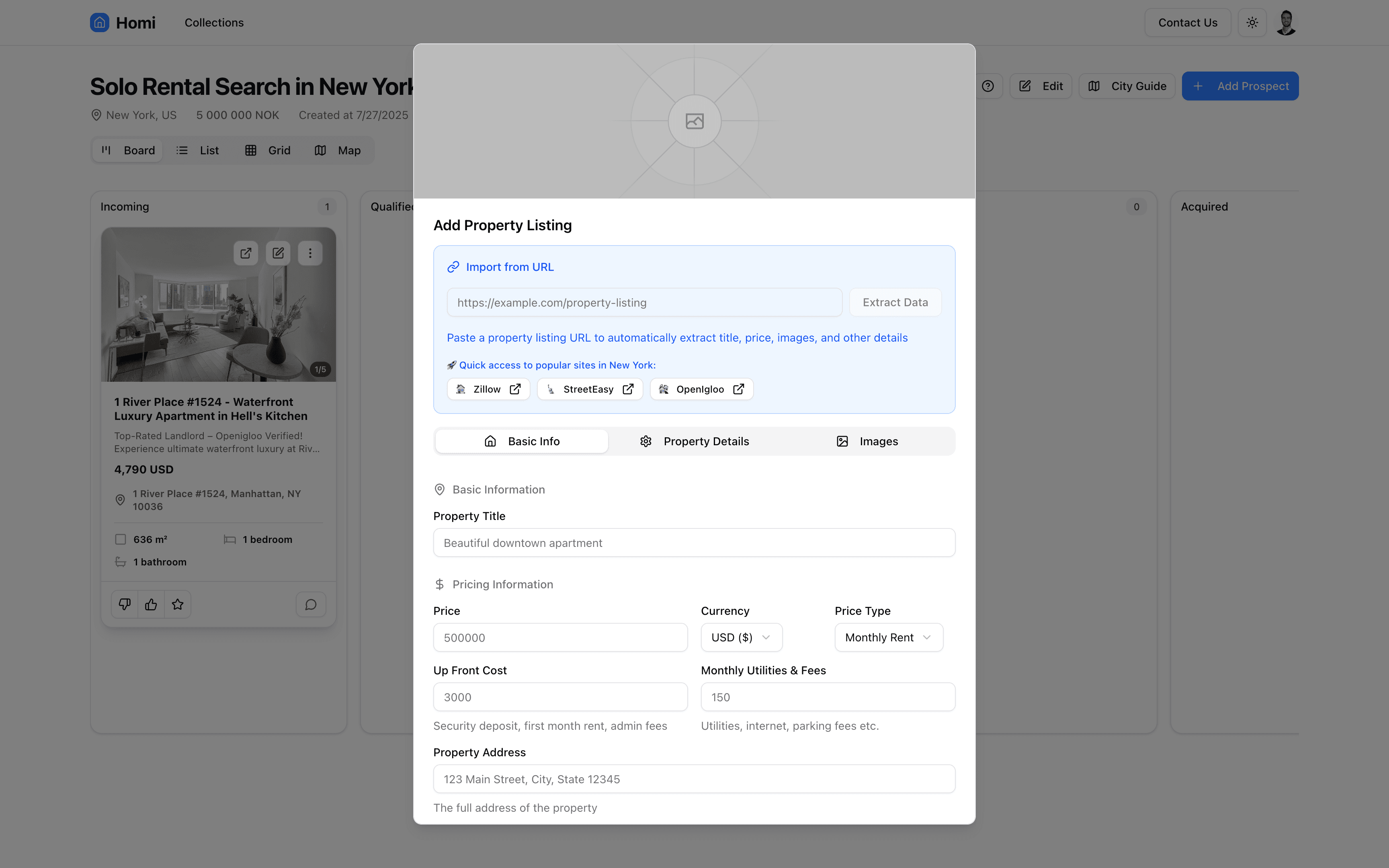
Save the listings you find across the web to the same Homi collection, right from your browser. Free extension. A Homi account is required.
From browser to shortlist
Keep a promising home within reach
- Make room for your search
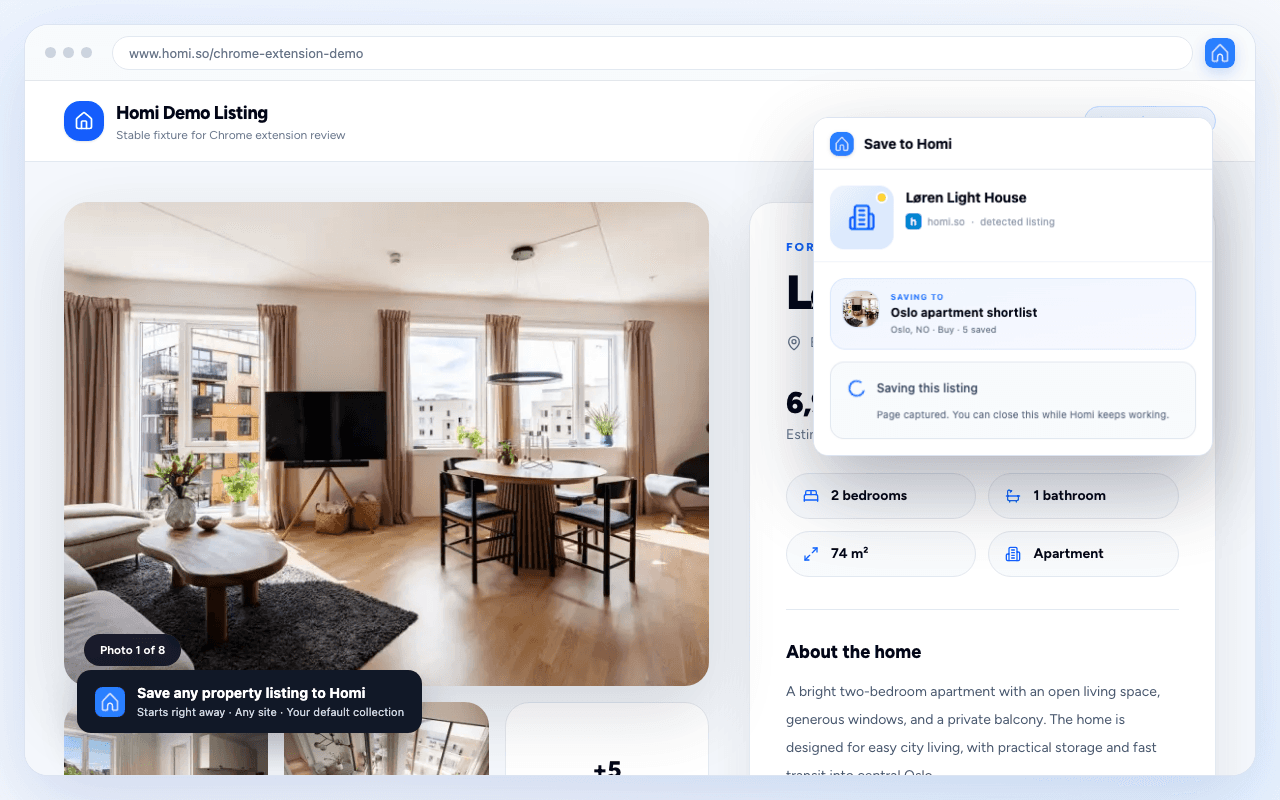
- Add Homi to Chrome, sign in to your Homi account, and choose the collection where you want to save homes.
- Found a home? Save it
- Open a specific property listing, click the Homi extension, and choose Save. Keep browsing while Homi extracts the details.
- Come back to a shortlist
- Open your collection to compare saved homes and talk through the tradeoffs with the people searching with you.
One collection
Homes from different sites, side by side
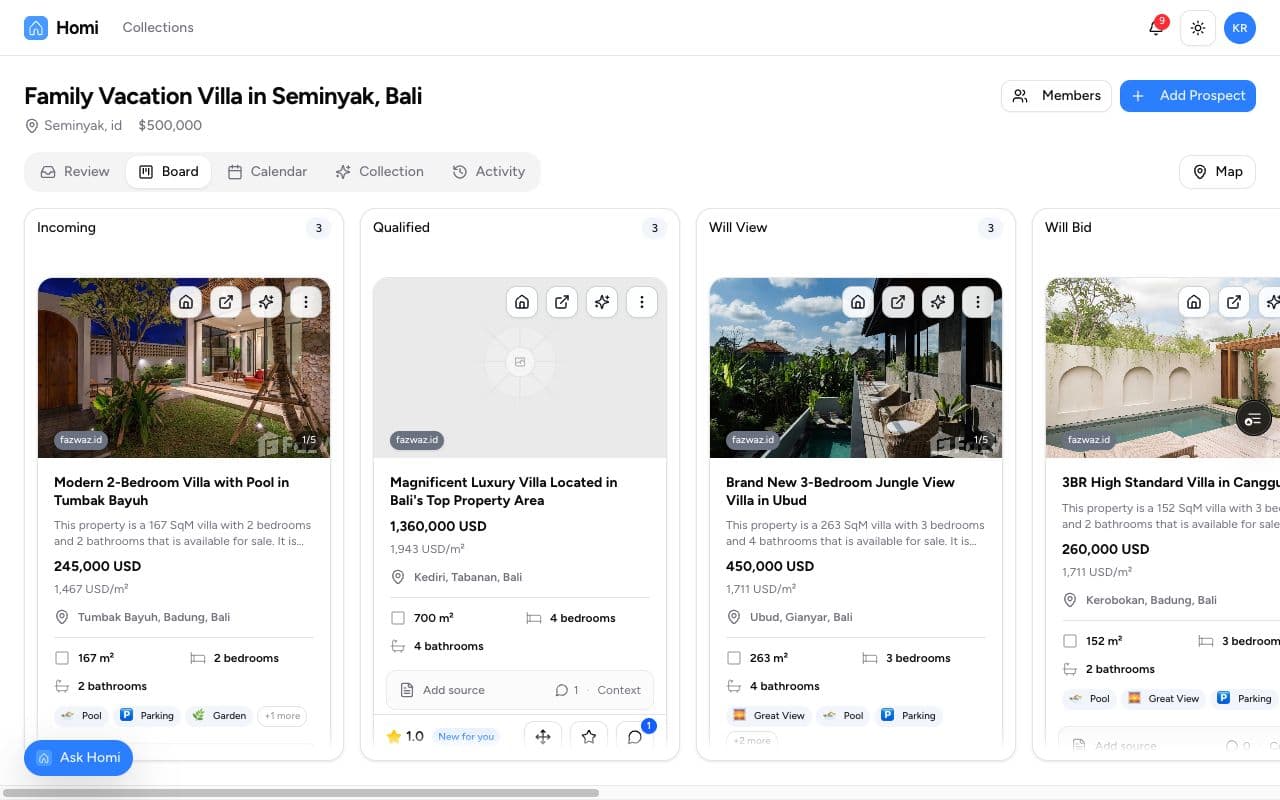
Save listings from sites like FINN, Zillow, and Airbnb. Homi gathers the listing details and photos so you can compare homes in the context of your search.
- Keep the reason for your move close.
- Your collection carries the story behind your search alongside the homes you find.
- Make room for everyone searching.
- Invite your partner, family, or broker to help decide what deserves a viewing.
Frequently asked questions
Using Homi for Chrome
Have another question about Homi? Ask below.
Answers from Homi AI. For more help, get in touch. Pricing
Coming soon
More ways to bring your search along
We're working on Homi for the places where your search already happens.
ChatGPT connector
Bring your Homi search into ChatGPT. We're preparing a connector so you can work with your saved homes and search context from a conversation.
Homi for iOS
Keep your home search close on iPhone. We're building the iOS app to make it easier to save a listing when you spot it on your phone.
Keep the next good find
Add Homi to Chrome and save the homes you find to your shared shortlist.